Mimir Logo
IIIF Explorer Engine

Explore
Universal Media

An IIIF explorer for high-resolution images, audio, video, and 3D models in a modern, performance-focused interface.

Project status

Mimir is being developed as part of digital.ub.uni-koeln.de. The current state should be understood as work in progress: some features are still missing, parts of the interaction model are still being refined, and performance improvements remain an active area of development. Our goal is to reach a stable 1.0 version in 2026.

Collections

Collections can be traversed without losing the relation between manifests.

If a manifest is part of a collection, Mimir can display the other manifests within that collection in a way that keeps navigation continuous. In a presentation setting, this helps move between related objects without breaking the surrounding context.
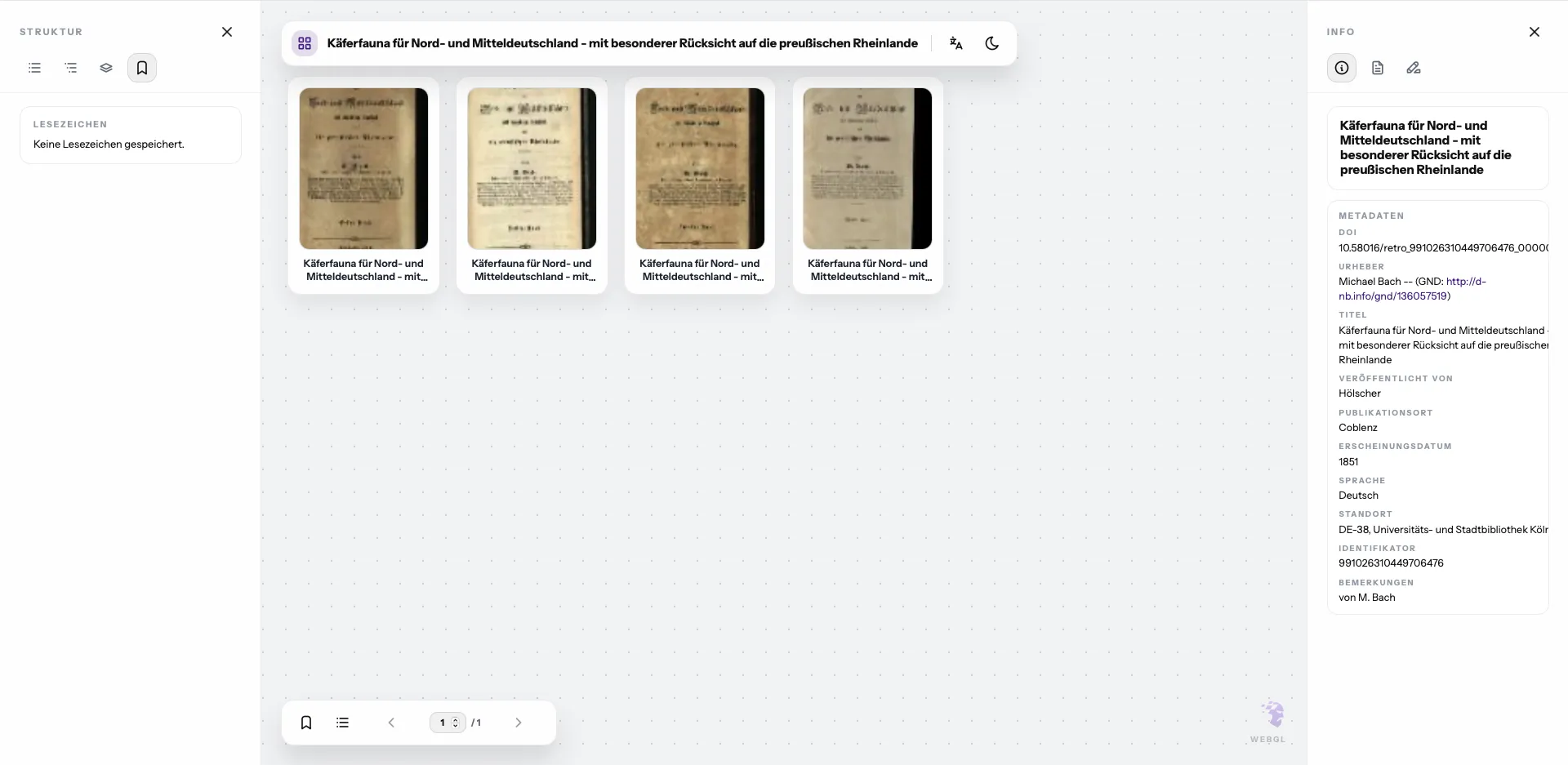
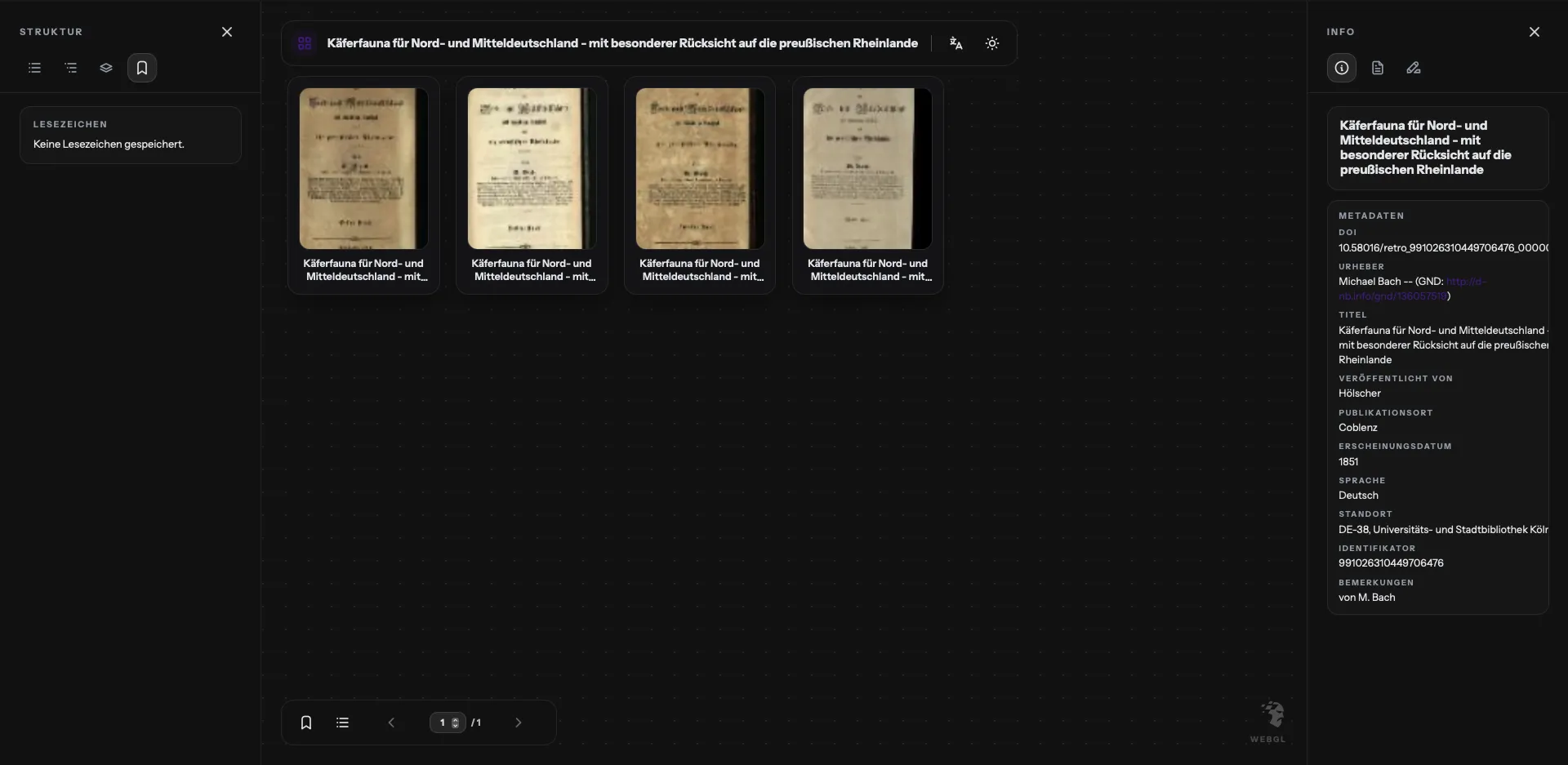
Mimir collections view in light mode Mimir collections view in dark mode
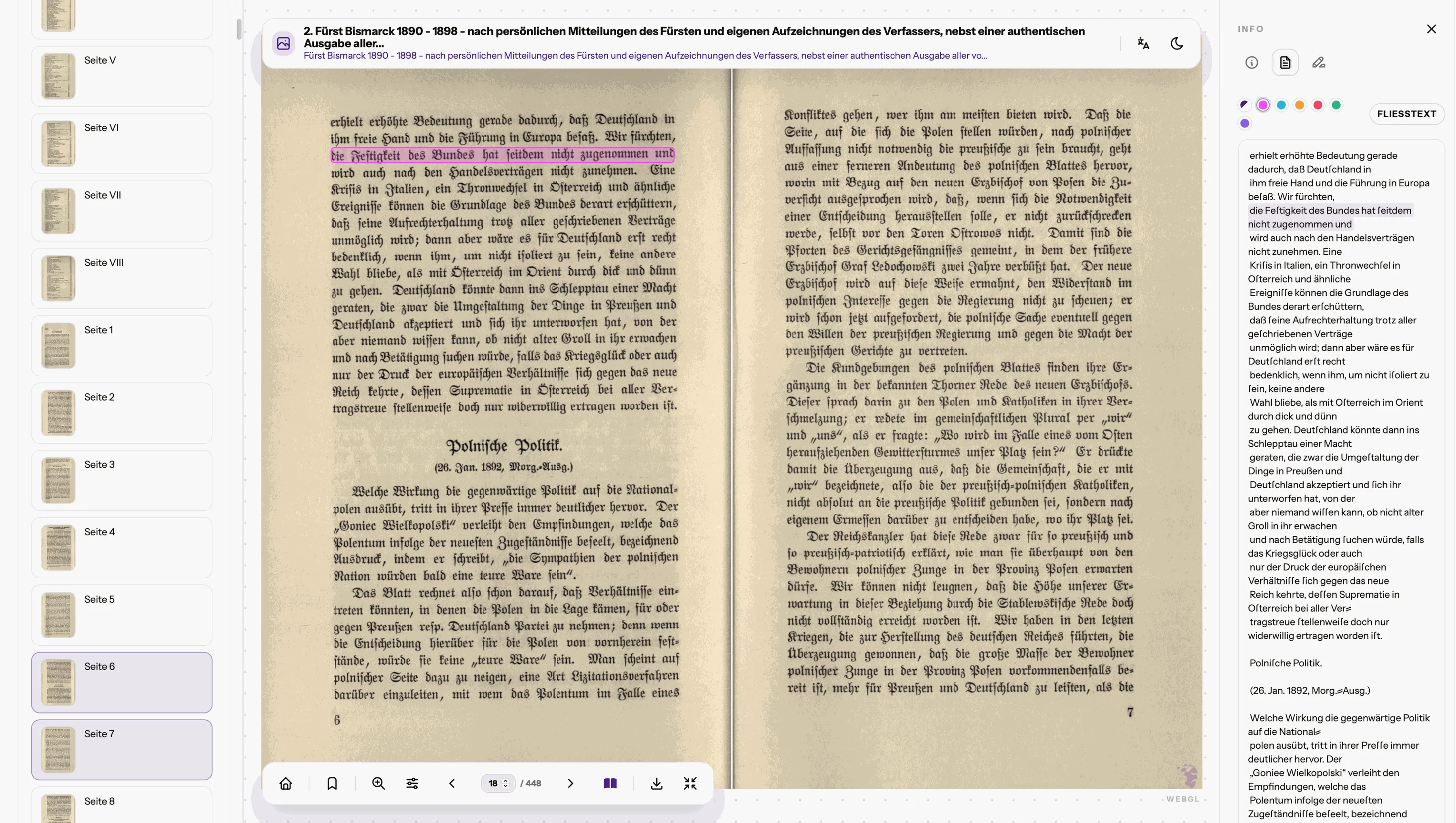
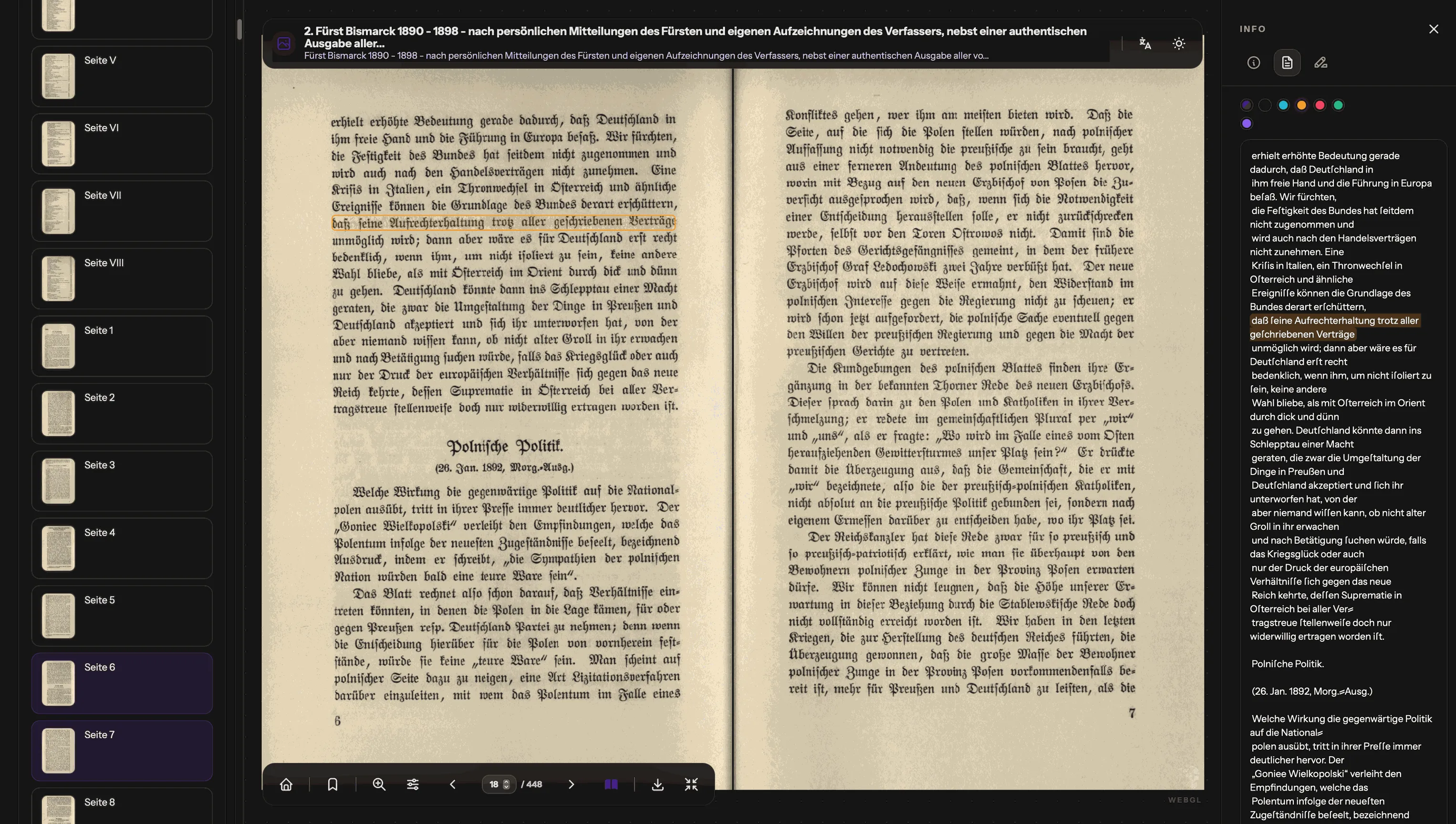
Mimir OCR overlay in light mode Mimir OCR overlay in dark mode
Full text

Full text and image can be presented as linked reading surfaces.

MIMIR places the focus on full-text highlighting and the presentation of OCR-derived text in relation to the document image. Text and image remain linked, colors can be adjusted to suit different devices and viewing conditions, and the text view can be switched between running text and line-based transcription.

Spatial regions

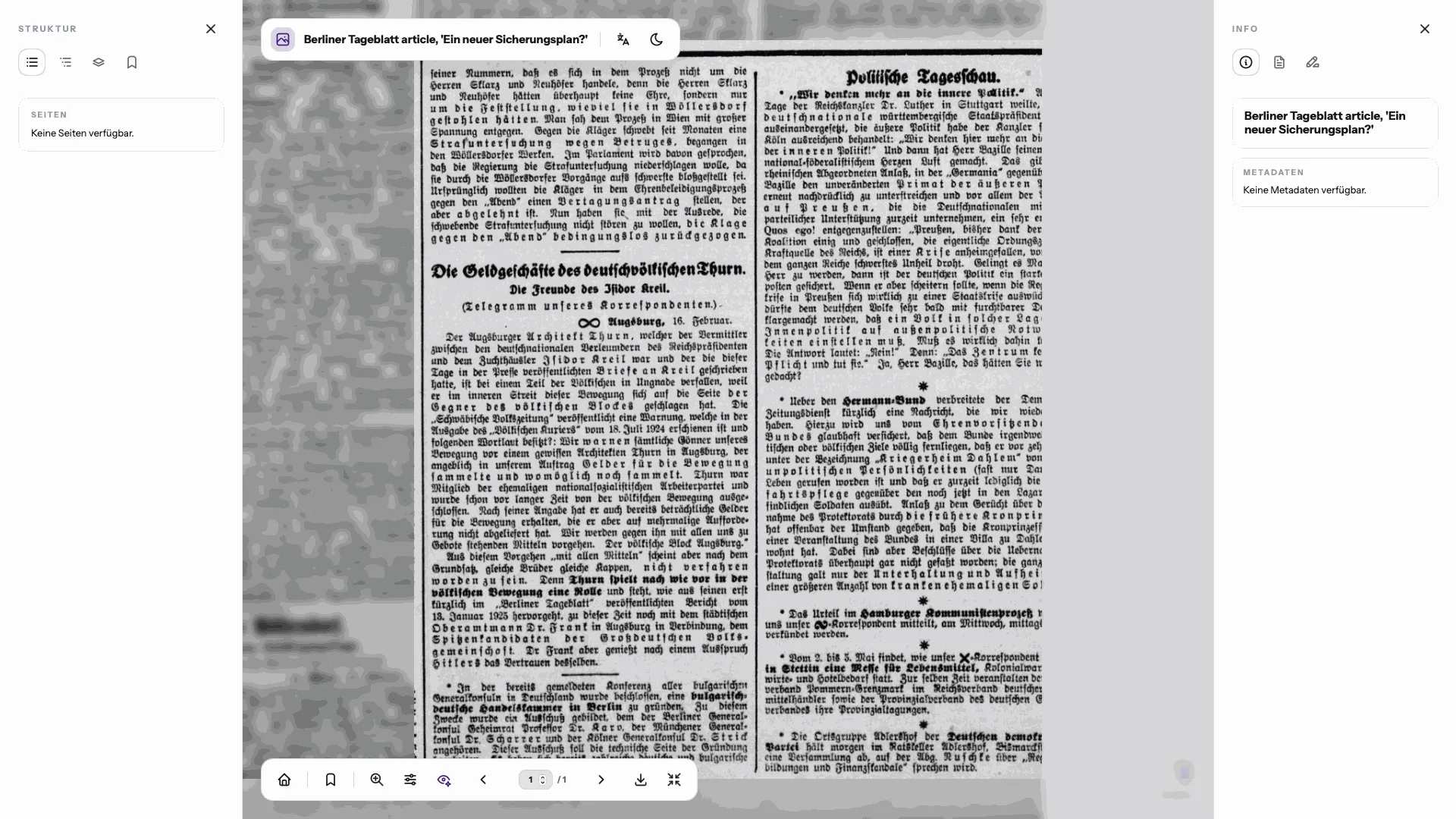
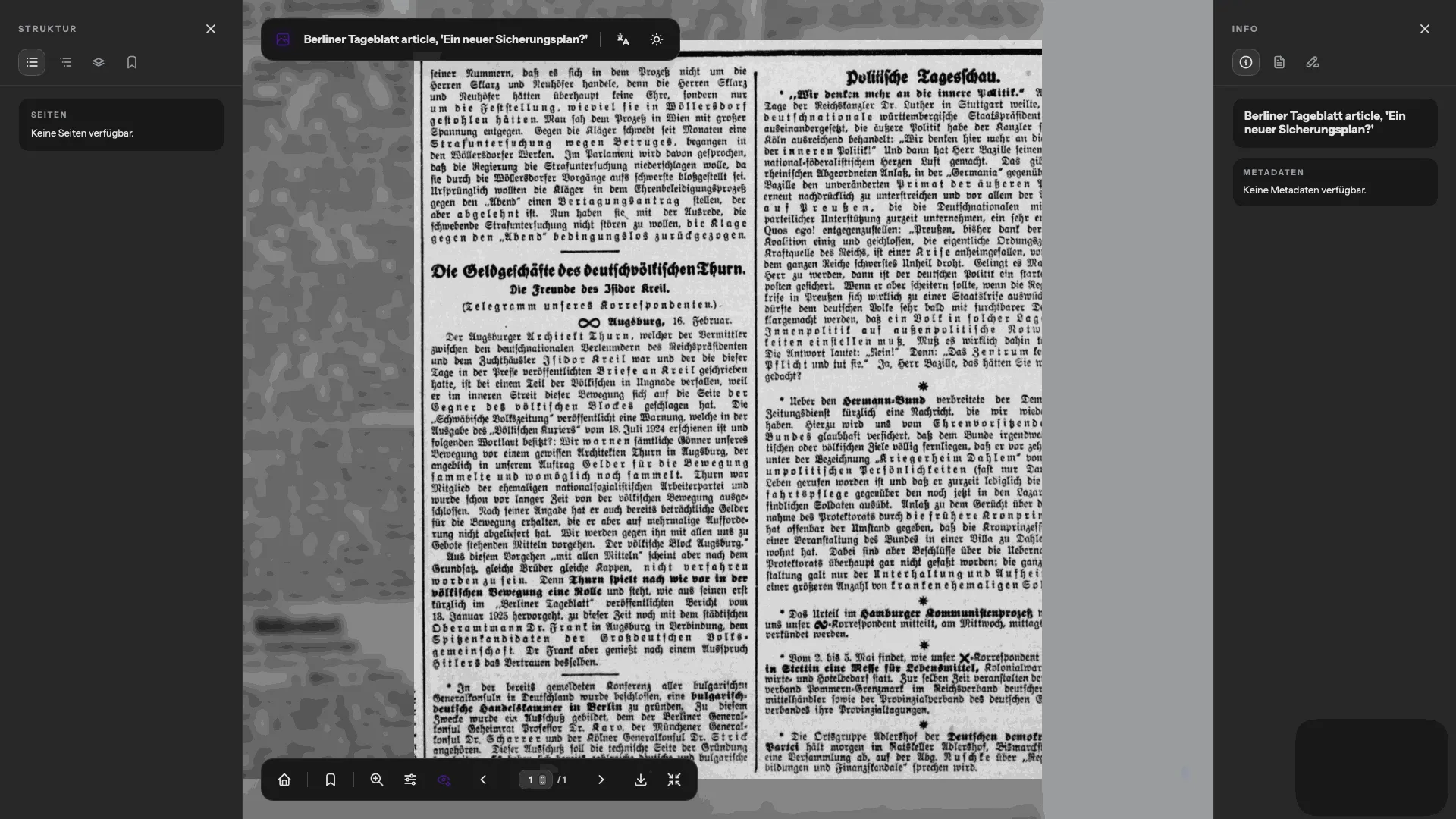
A spatial region of a canvas can be addressed directly.

MIMIR focuses on selecting and addressing a spatial region within a canvas. The surrounding regions can be visually de-emphasised, and the blurring of those areas can be toggled depending on whether the presentation should isolate or recontextualise the selected area.

Mimir spatial region view in light mode Mimir spatial region view in dark mode
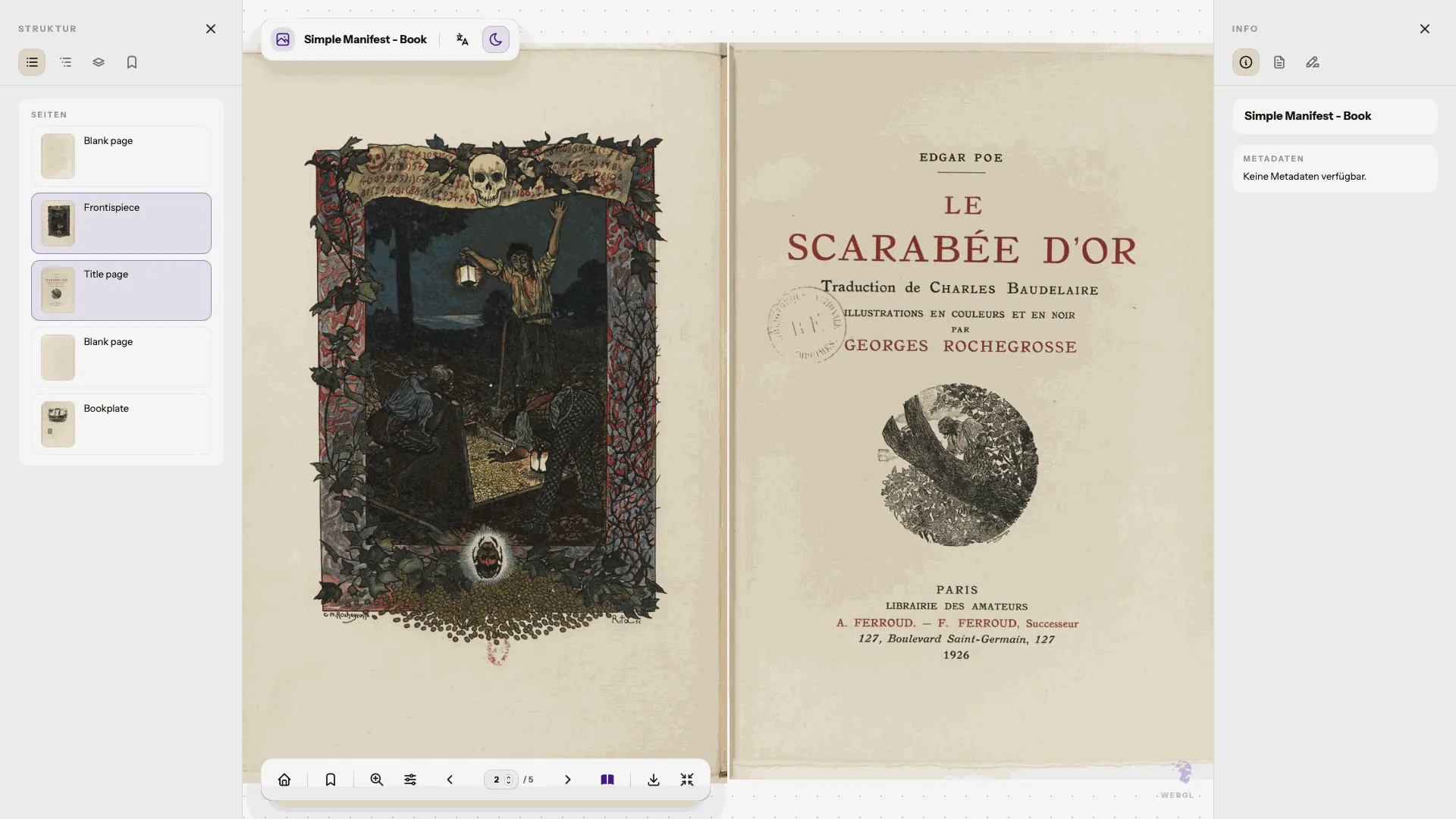
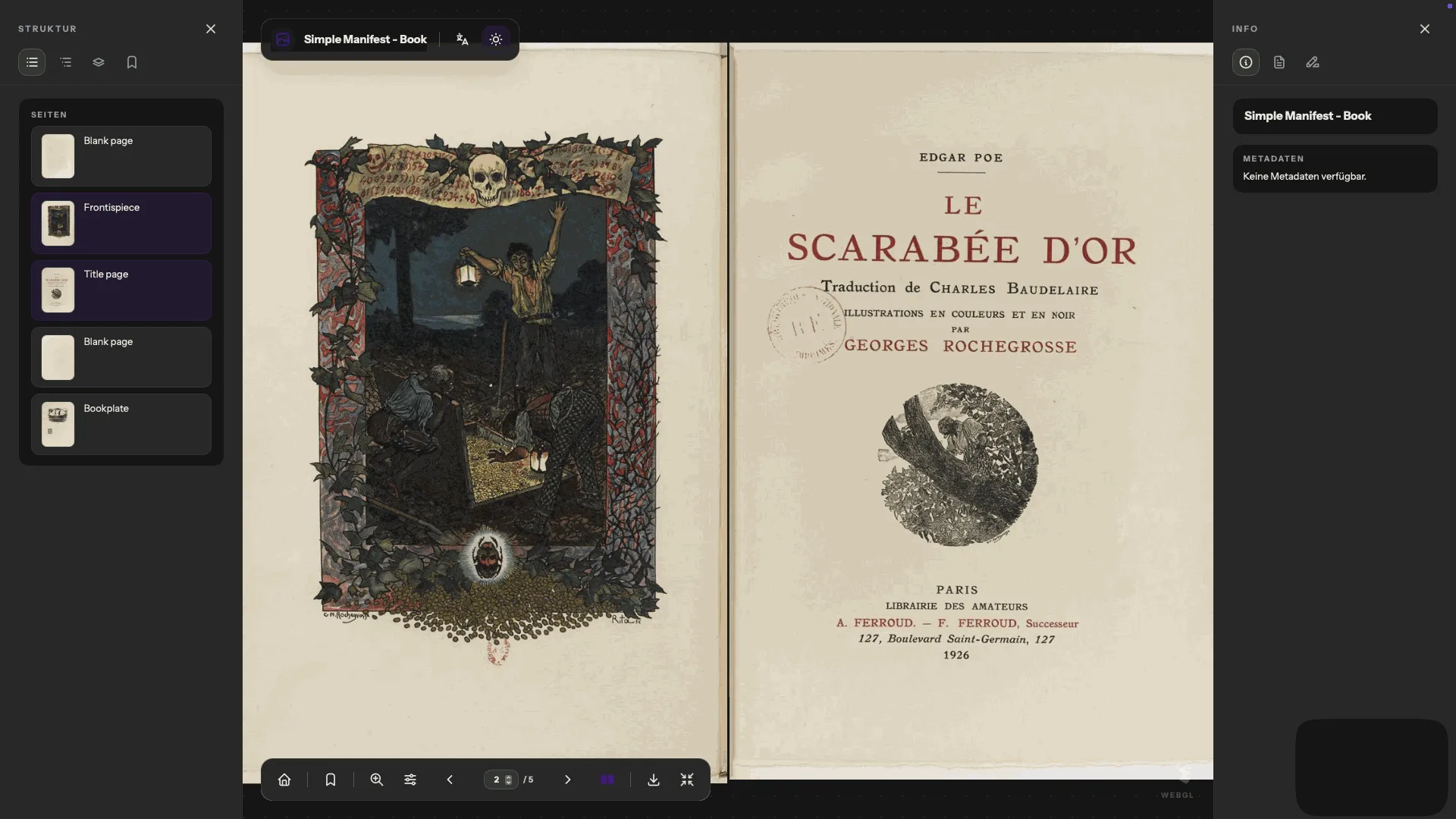
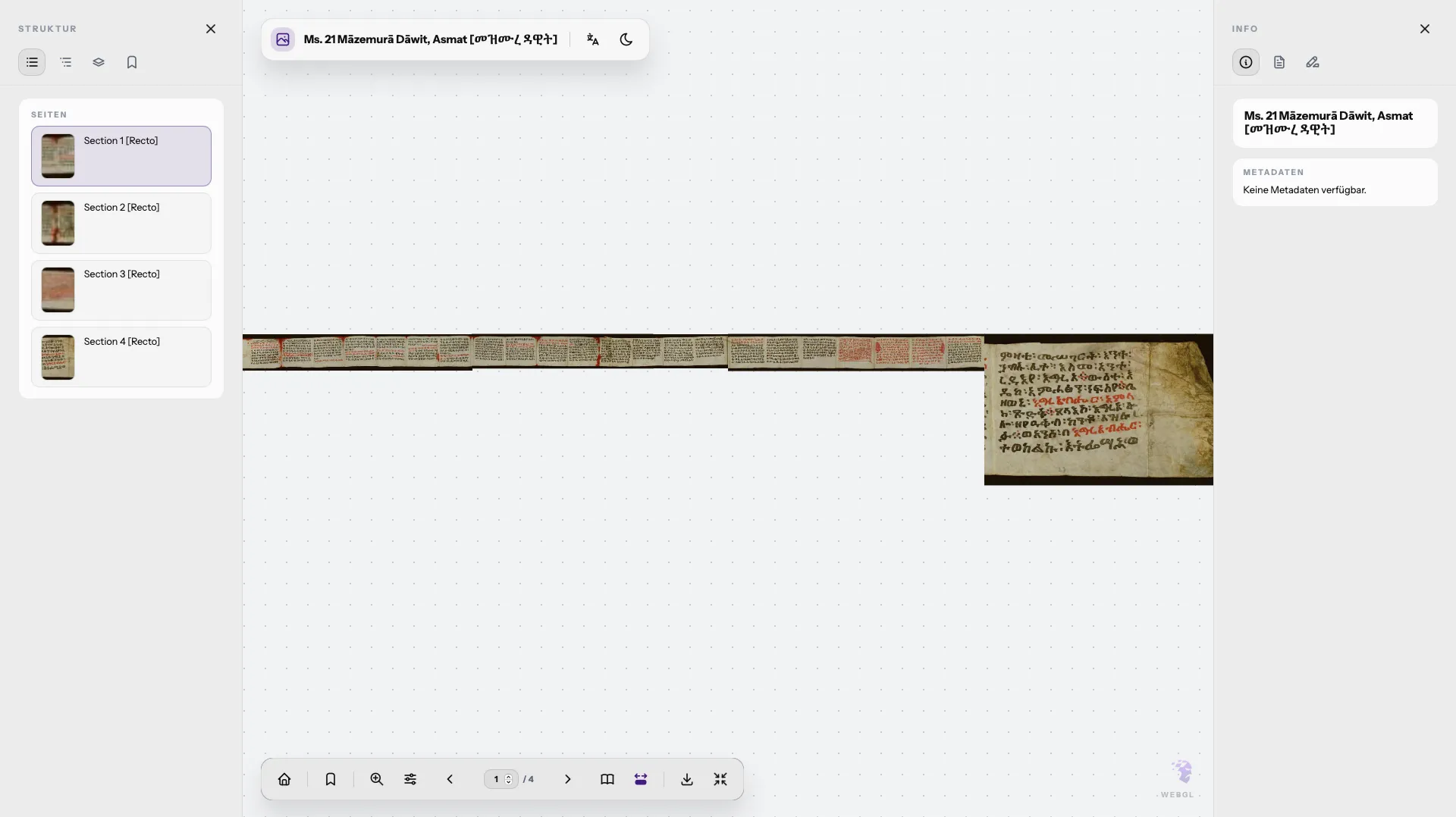
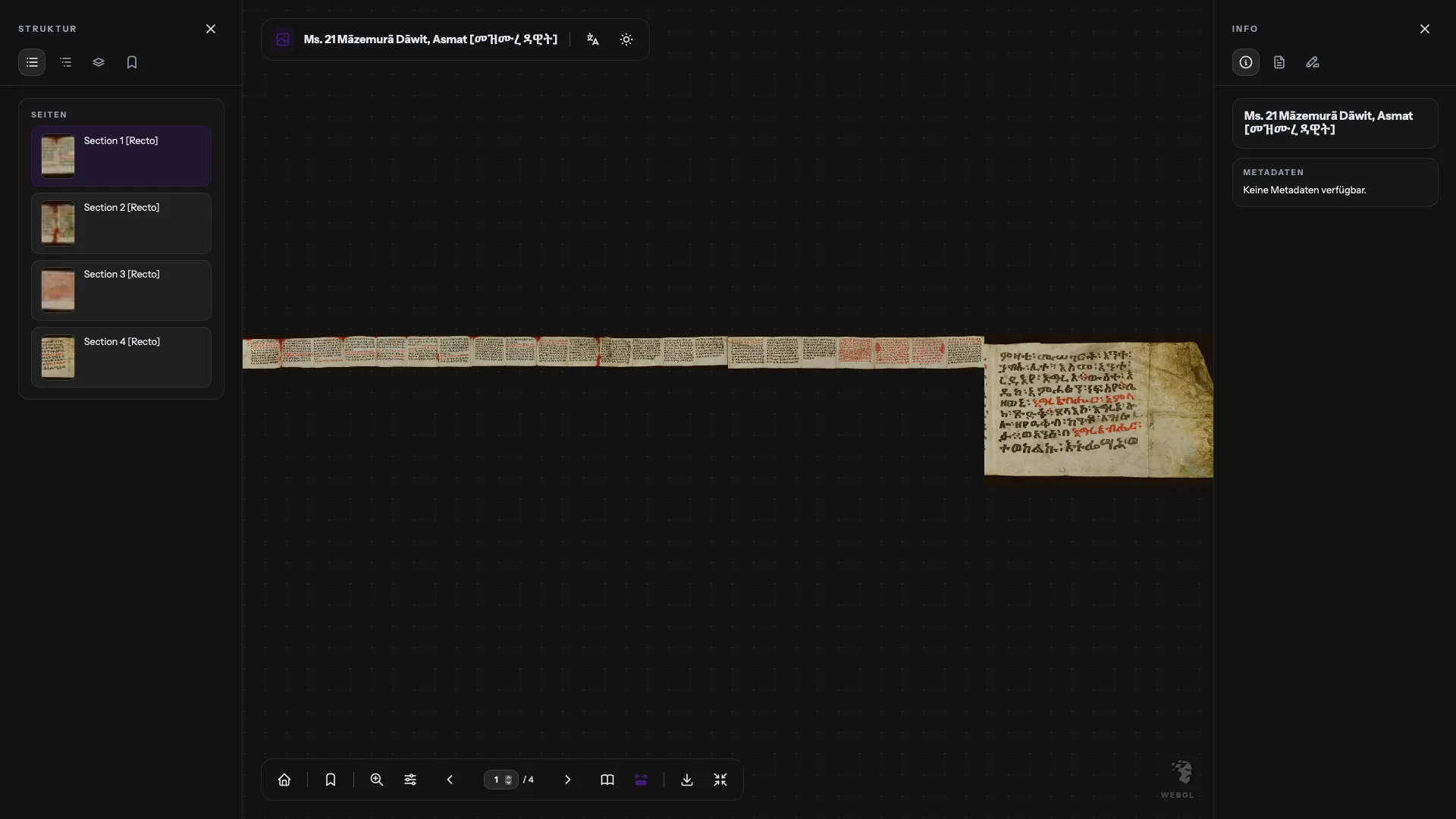
Mimir book mode in light mode Mimir book mode in dark mode Mimir continuous reading mode in light mode Mimir continuous reading mode in dark mode
Reading behavior

Different reading behaviours can be switched while preserving the authors intended mode as default.

The reading interface can switch between different behaviours, such as book mode and continuous reading. At the same time, the authors intended reading behaviour remains preselected, so the presentation can begin from the mode that best reflects the structure of the source.

Time-based media

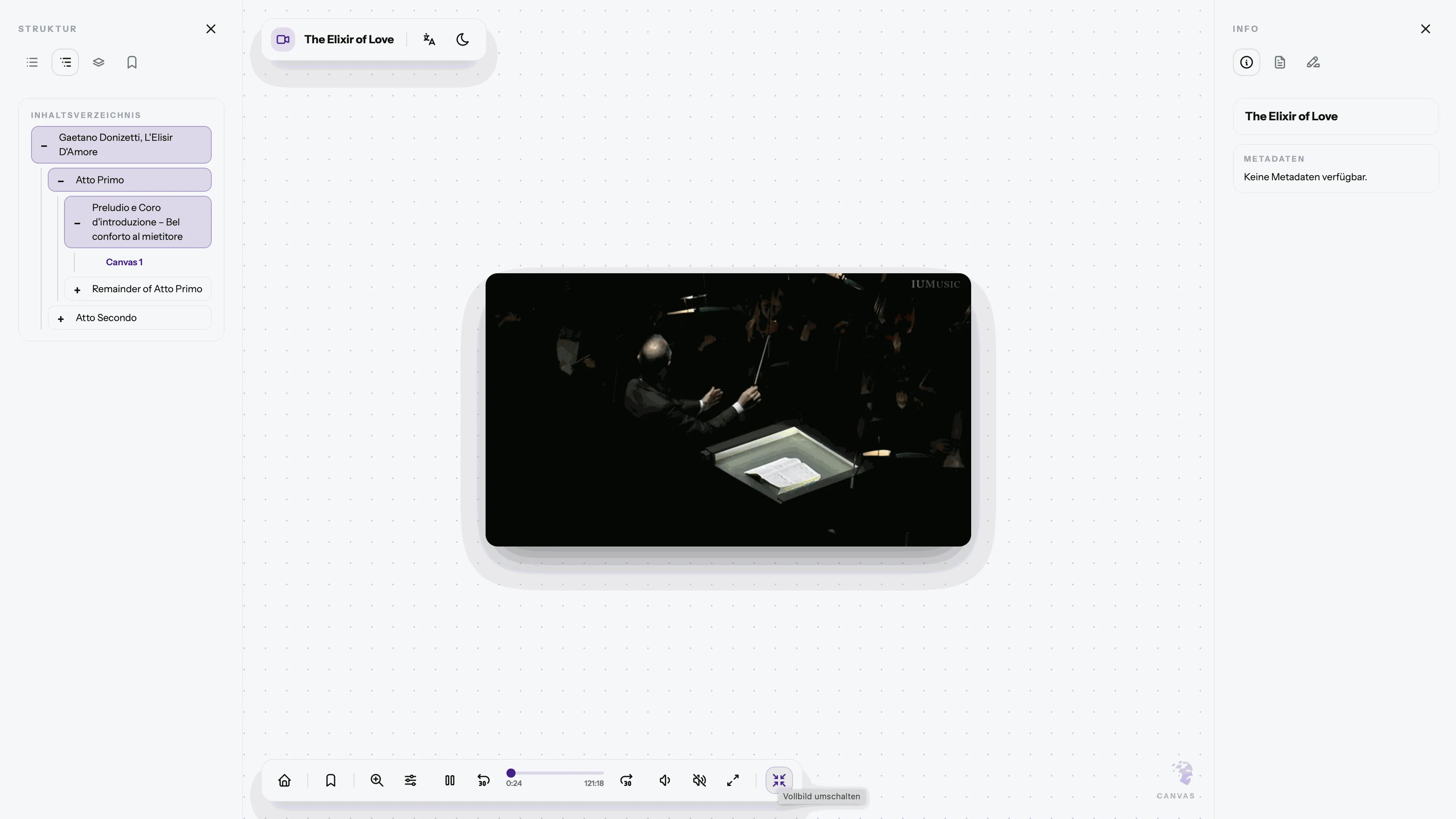
Time-based media can be shown within the same presentation environment.

MIMIR focuses on audio and video material as part of a broader IIIF presentation context. The interface remains close to the image-based views, which can be useful when demonstrating mixed collections or teaching across media types.

Mimir audio and video support in light mode Mimir audio and video support in dark mode
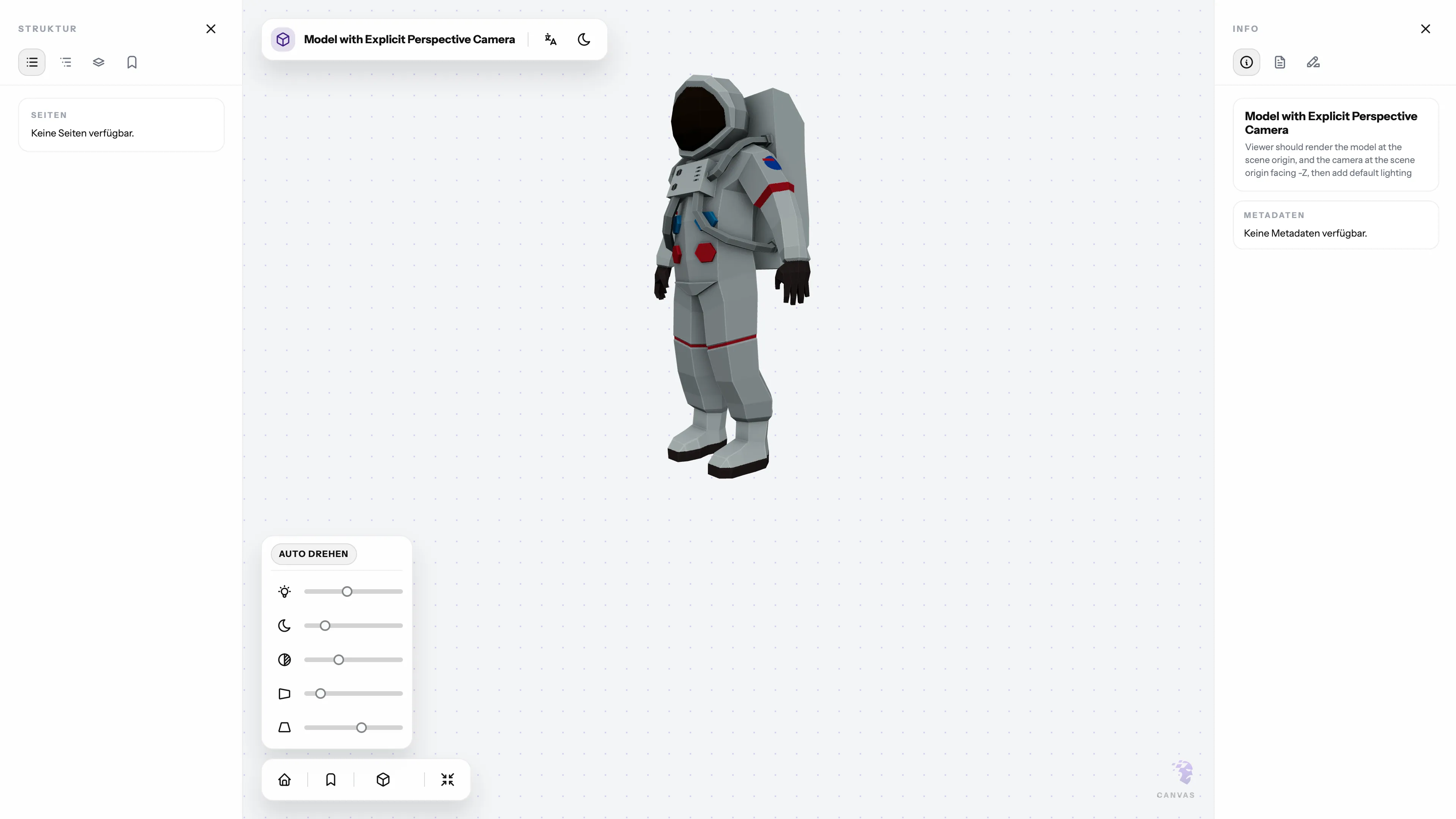
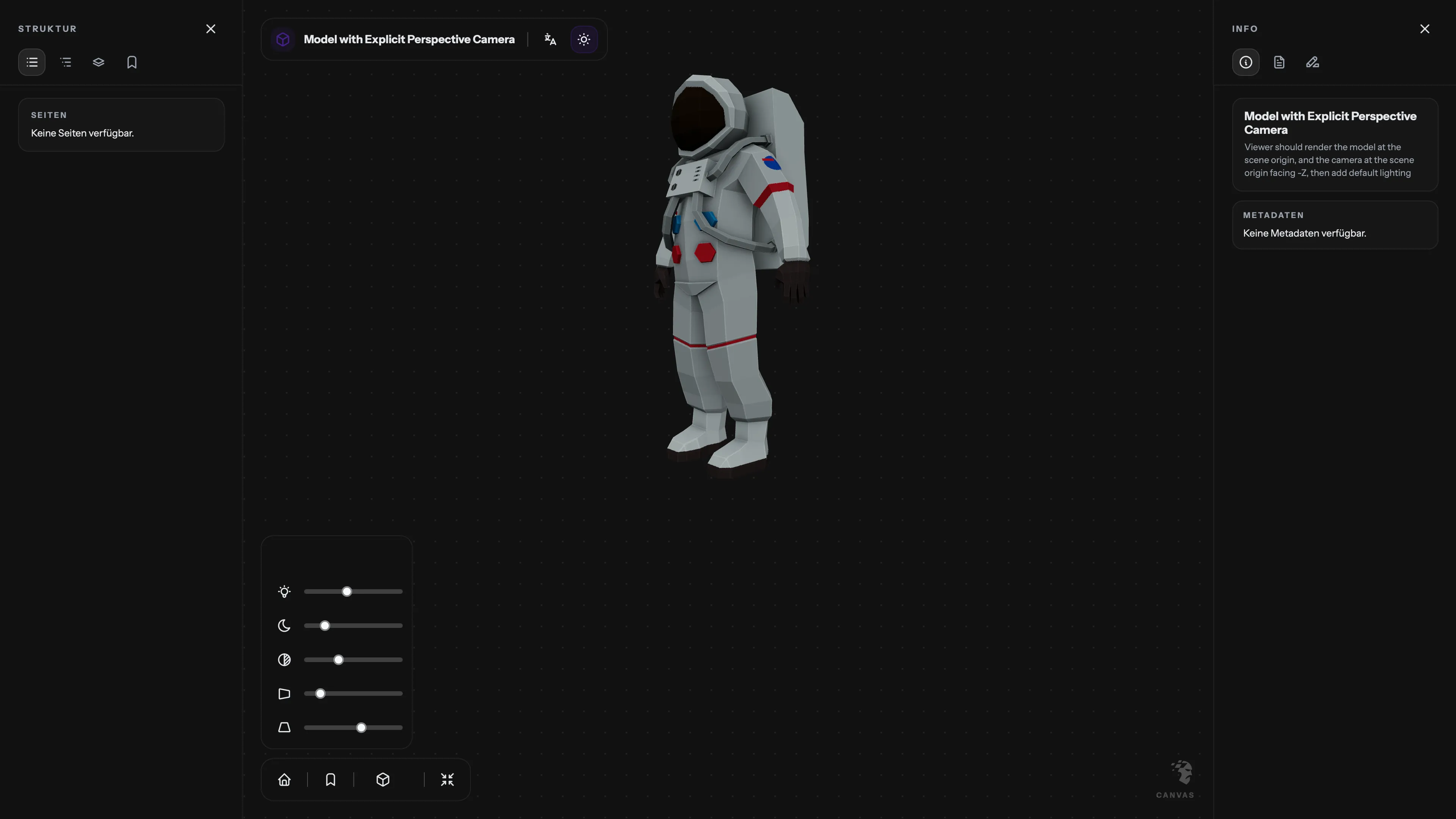
Mimir 3D support in light mode Mimir 3D support in dark mode
3D models

Three-dimensional material can be included without changing the overall presentation logic.

MIMIR isolates the 3D view as its own demo situation. It suggests how spatial objects may be presented alongside other IIIF resources while preserving a recognisable interface structure.

Current features
  • IIIF Presentation v2/v3 manifest parsing with multi-language labels and metadata.
  • OpenSeadragon image viewer with sequence navigation, book mode, and continuous mode.
  • Audio/video playback with timeline controls and start-time support.
  • 3D model viewing with Three.js controls (lighting and camera).
  • Image filters: rotate, flip, brightness, contrast, greyscale, RGB channels.
  • Region focus for ImageApiSelector with optional blur outside region.
  • Download current image as full-res JPEG.
  • Dark mode with auto/light/dark/app modes.
  • Responsive layout with adaptive panel behavior.
  • Cookie-based bookmarks (grouped by manifest and page).
  • Annotations with list + overlays, single/select and show-all modes.
  • Fulltext OCR (ALTO + HOCR) with line overlays, list sync, and user-selectable overlay colors.
  • Collections view with gallery, pagination, list/grid toggle, and collection linking.
  • URL query support (`?manifest=...`, `?page=...`, `?time=...`) for auto-loading.
Future features
  • Keyboard navigation and accessibility pass.
  • Theming API for typography, spacing, and component overrides.
  • Plugin hooks for custom panels and rendering modes.
  • Optional externalized dependencies for smaller bundles.